create new ticket
 check ticket status
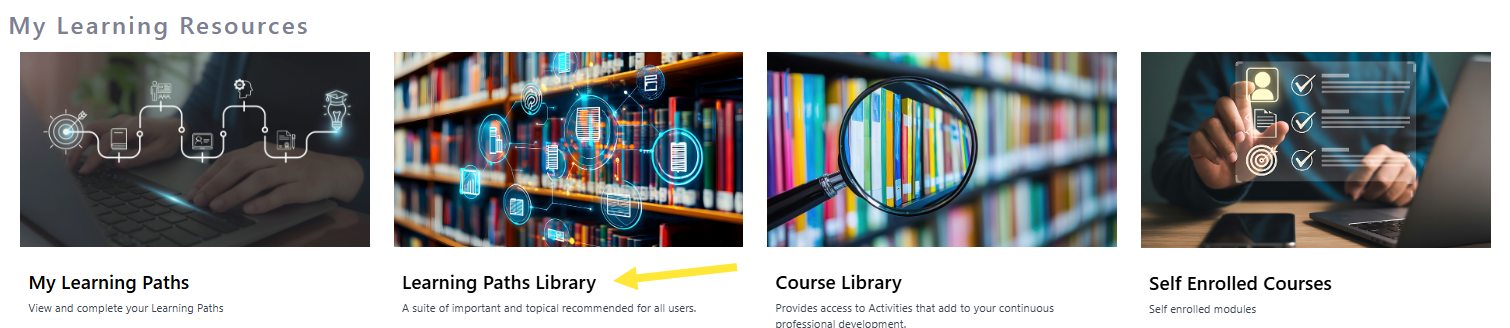
Step 1. On the home page scroll down to My Learning resources and click on Learning Paths Library
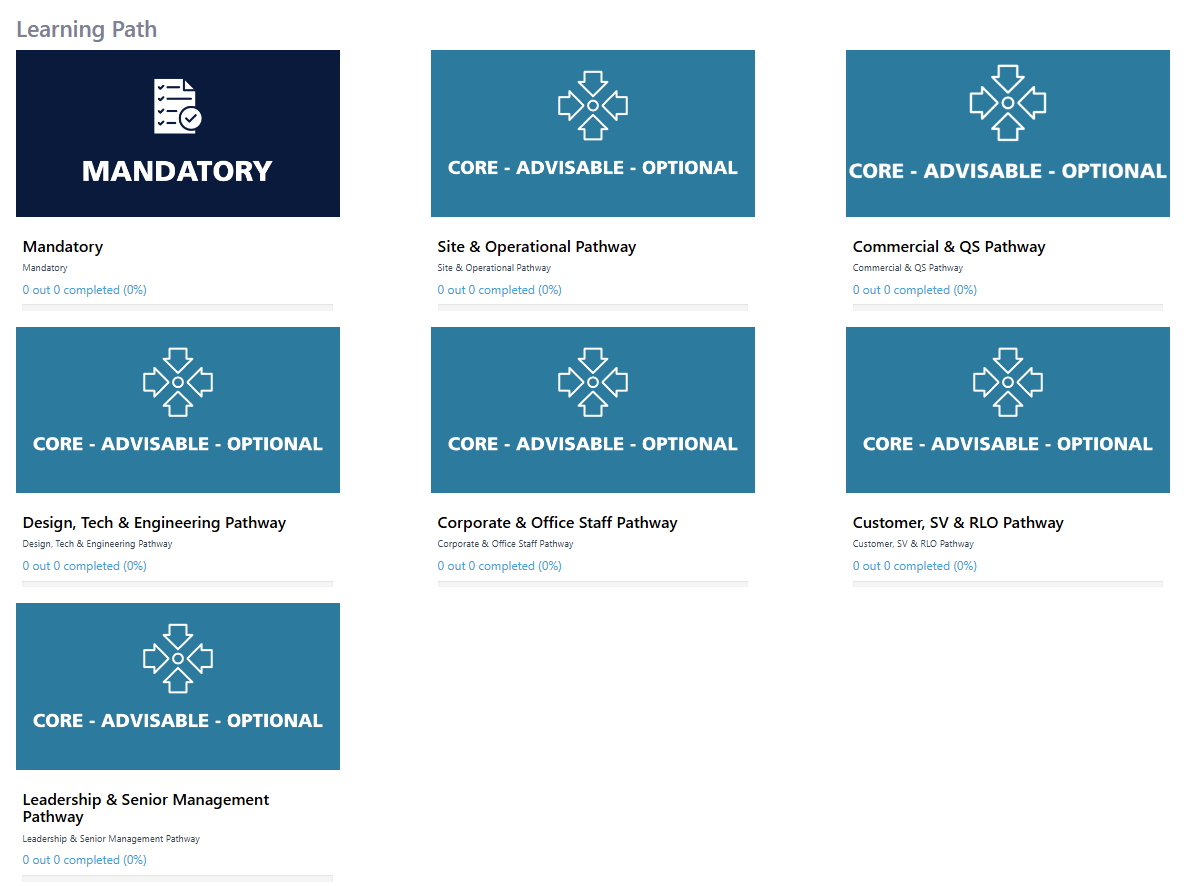
Step 2. On this page you will see the pathways relevant to you. Click on each Pathway to see the courses you are enrolled in.
Modified on: Tue, 8 Sep, 2026 at 2:28 PM
Step 1. On the home page scroll down to My Learning resources and click on Learning Paths Library
Step 2. On this page you will see the pathways relevant to you. Click on each Pathway to see the courses you are enrolled in.
Did you find it helpful? Yes No