create new ticket
 check ticket status
Step 1. Go to Reports
Step 2. Click 'Certificates of Prior Achievement Check'
Step 3. Search for the user or module etc.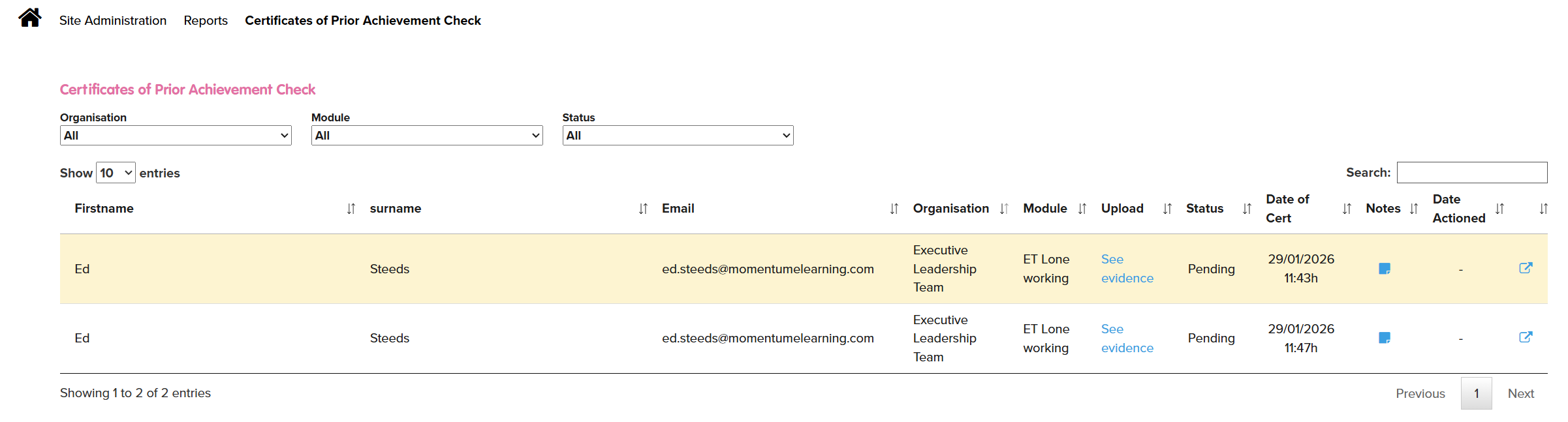
Step 4. Click on the note. This will show PDFs and images (but nor word, excel or powerpoint files)
Step 5. The pdf (or image) will be displayed and you can: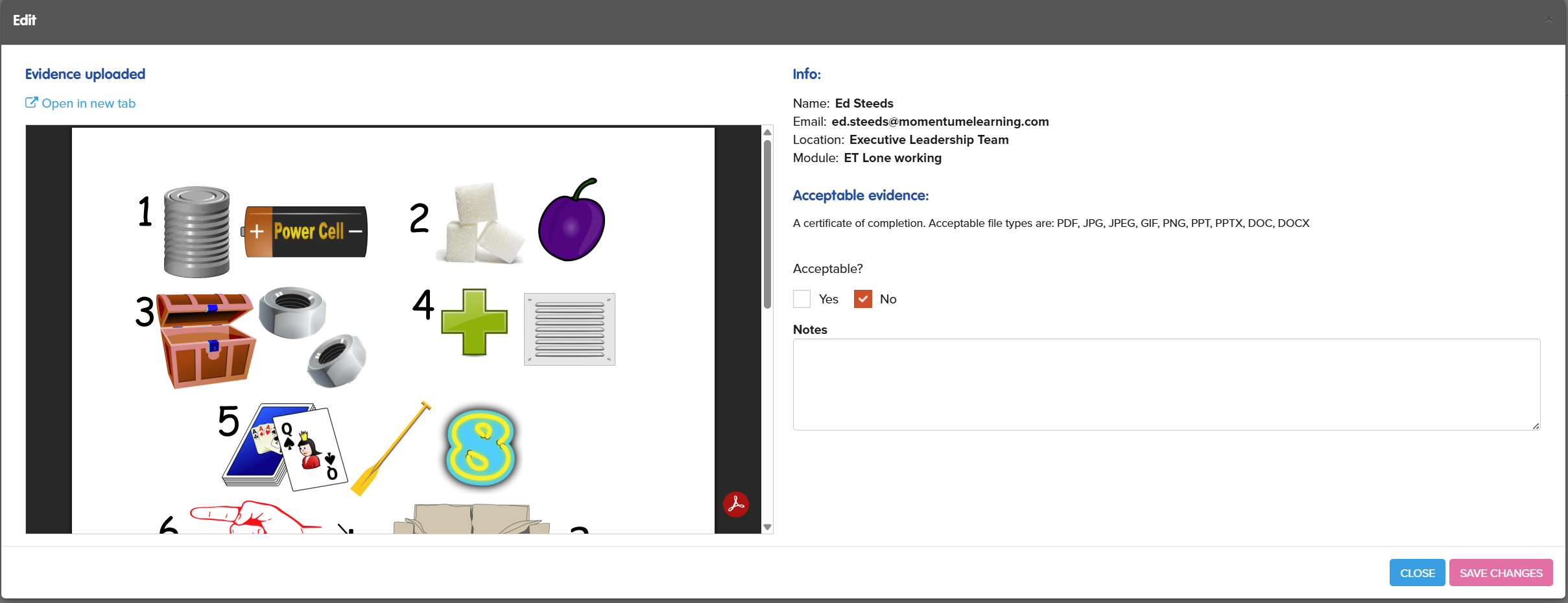
Step 6. To accept the evidence as acceptable evidence
- Select yes
- A note is not usually required however you can add a note if you wish
- Press Save Changes, this will then set the course page to completed (if completion of SCORM course is set on the course page)

- To reject the evidence as acceptable evidence
- Select No
- It is recommended to add a note for the student to explain why this is not acceptable andgive them guidance on what is required / acceptable
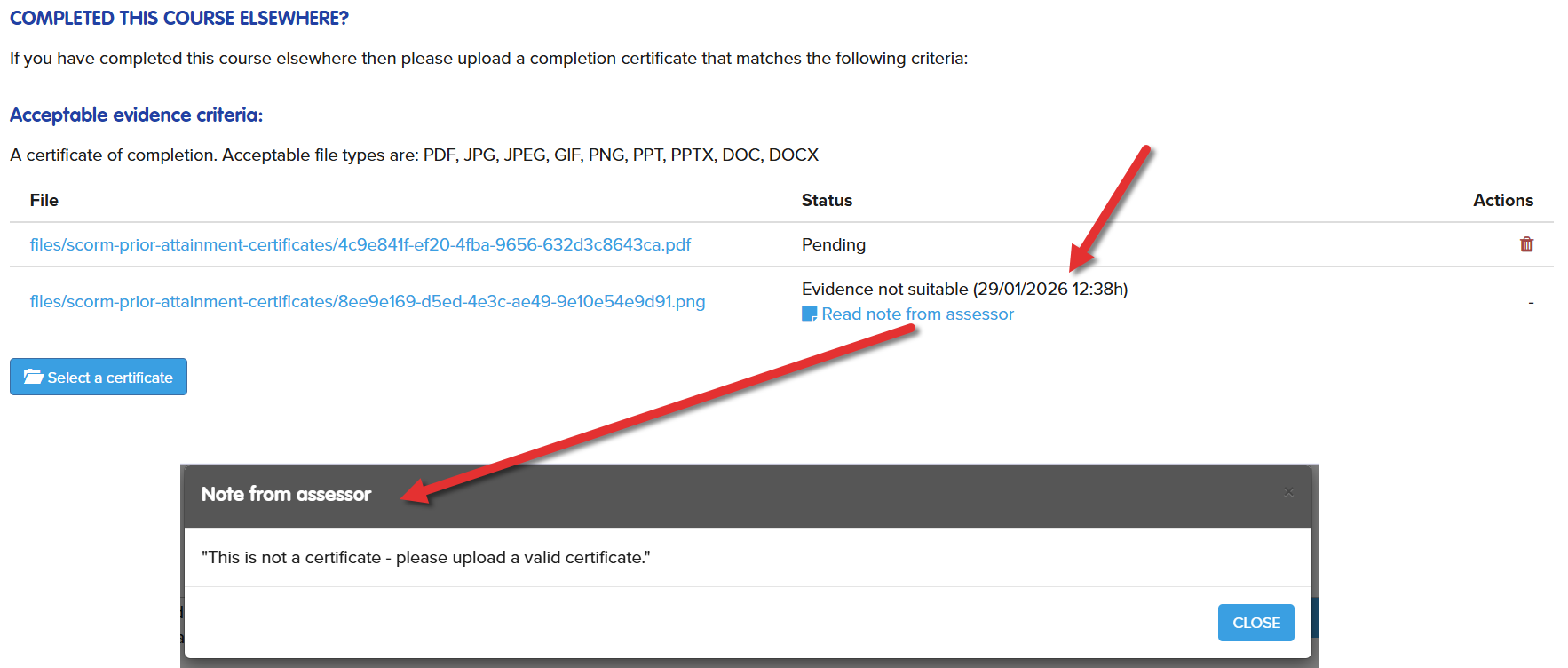
- Press SaveChanges, this will set the students page as follows:
- The status will change to Evidence not suitable
- The student will be able to view your note and upload a new certificate