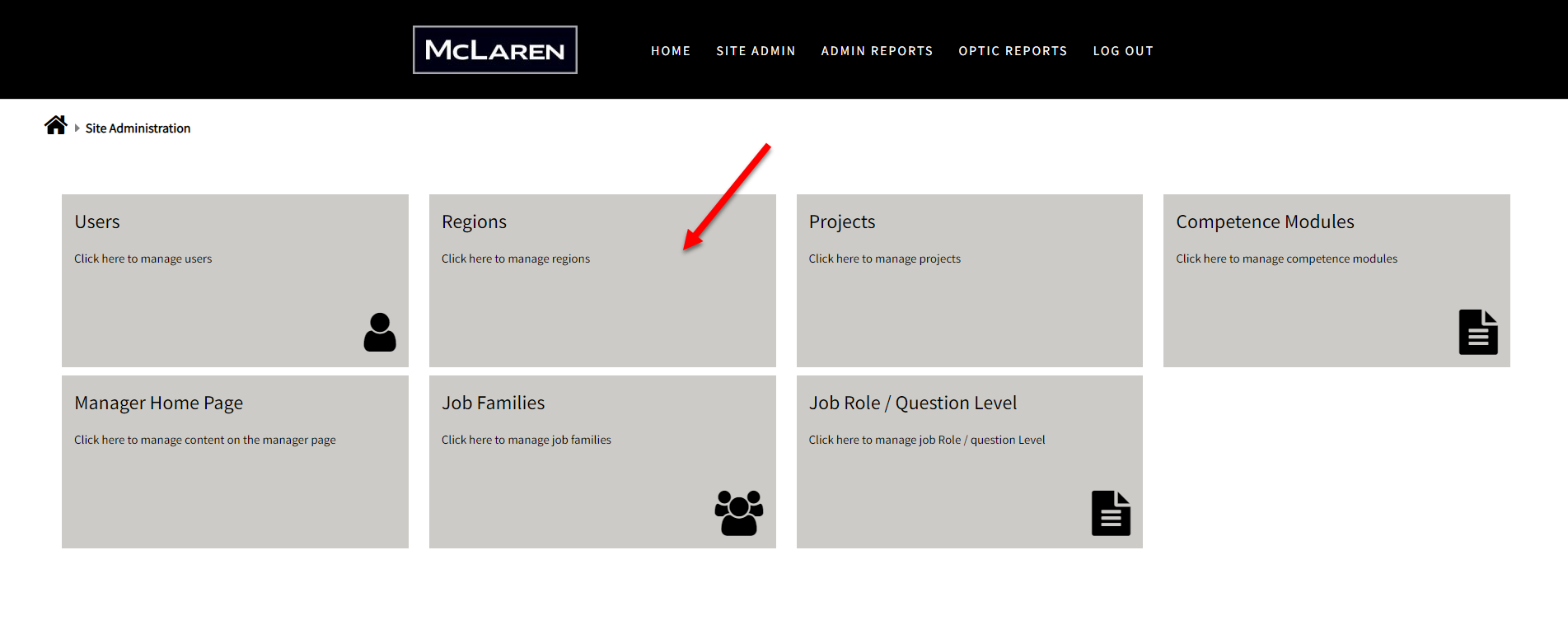
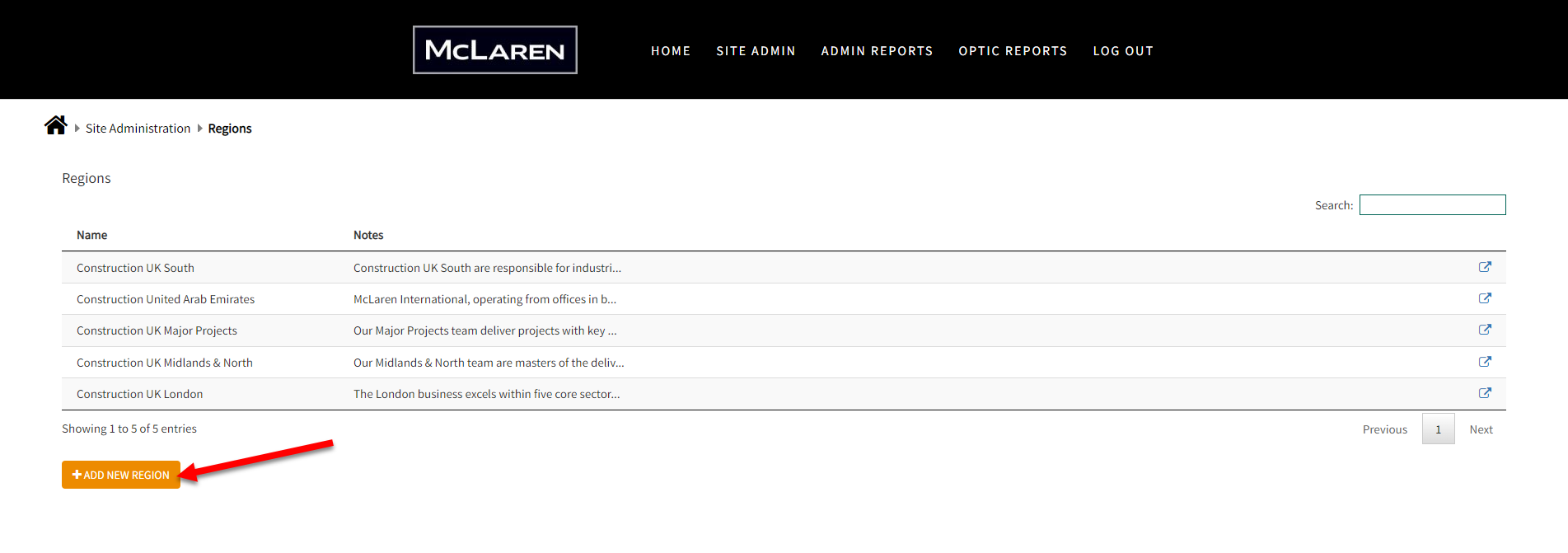
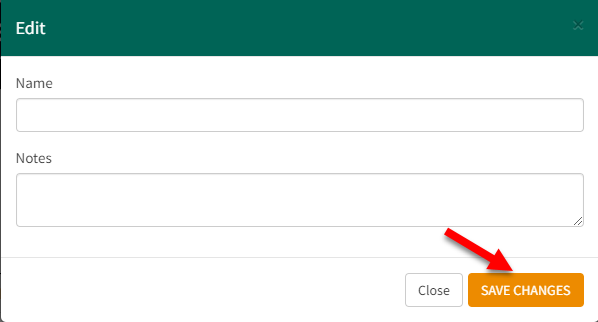
Step 1: Got to Site AdminStep 2: Click on RegionsStep 3: Click on Add New RegionStep 4: Fill out the relevant information, and click Save

 create new ticket
 check ticket status