create new ticket
 check ticket status
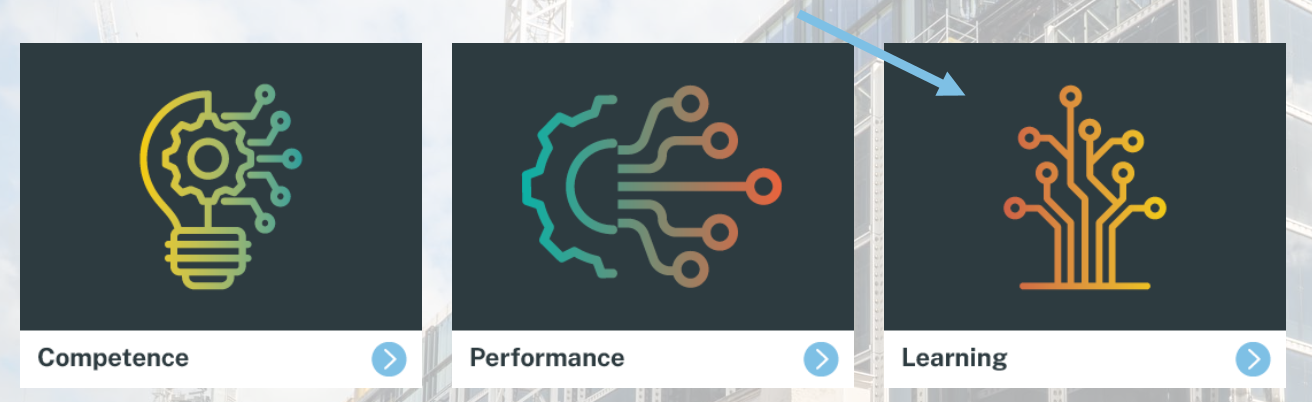
Step 1. Click on the Learning tab.
Step 2. Click on the LMS Admin tab.

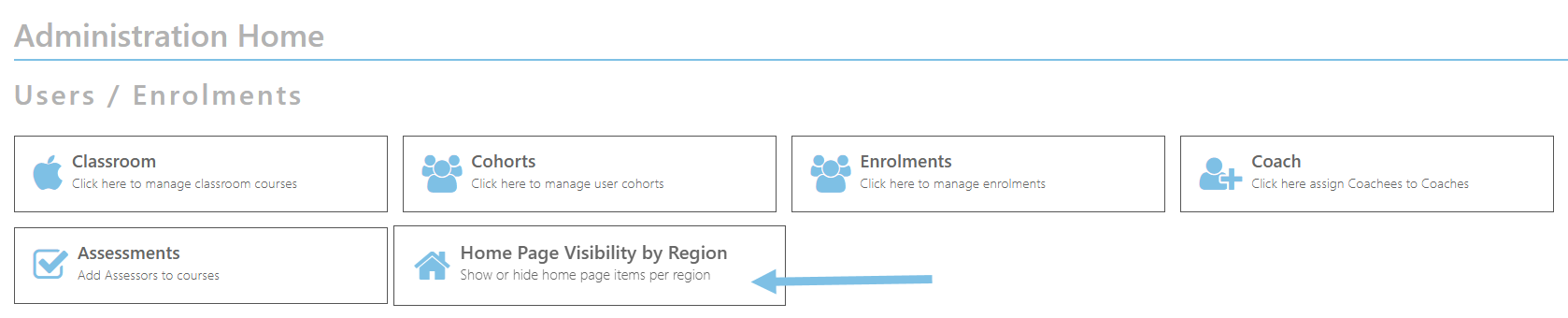
Step 3. Click on Home Page Visibility by Region tab.
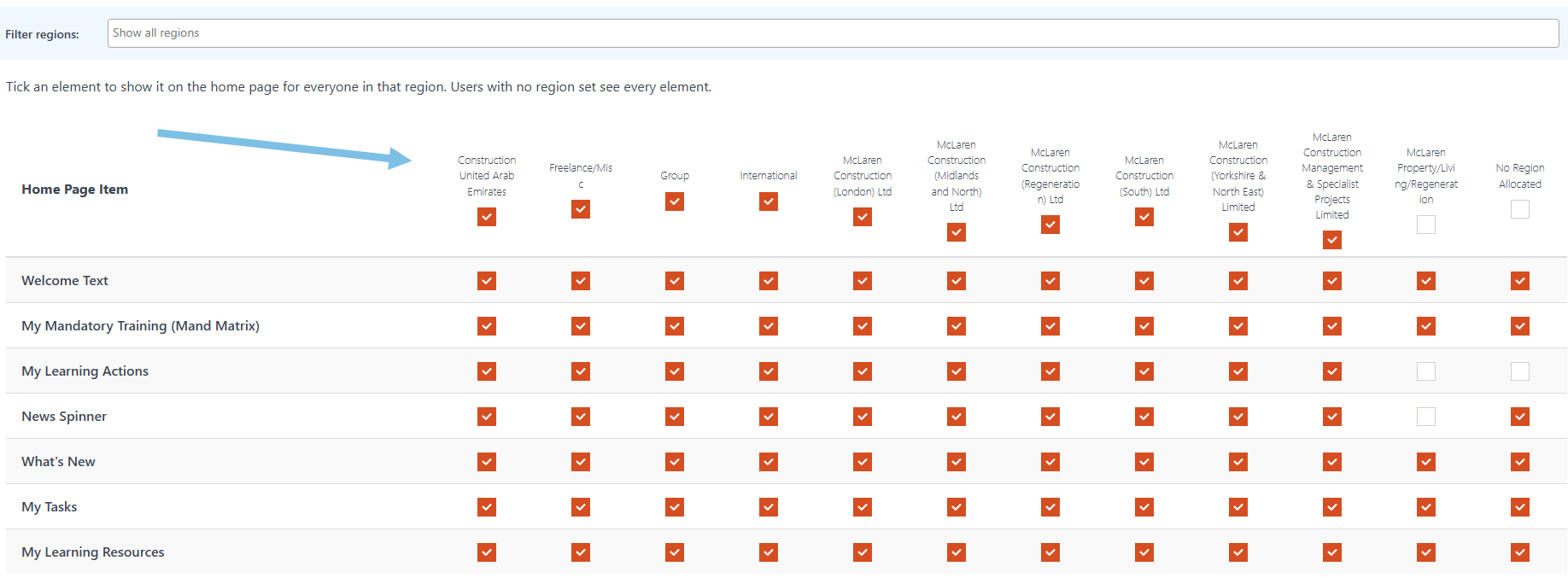
Step 4. To filter by region click the drop down menu and select the required region.

Step 5. Select/deselect the Home Page Items by clicking on the column headings.