create new ticket
 check ticket status
Step 1. On the Home Page click the Performance tab.

Step 2. Click on the Team Dashboard tab.
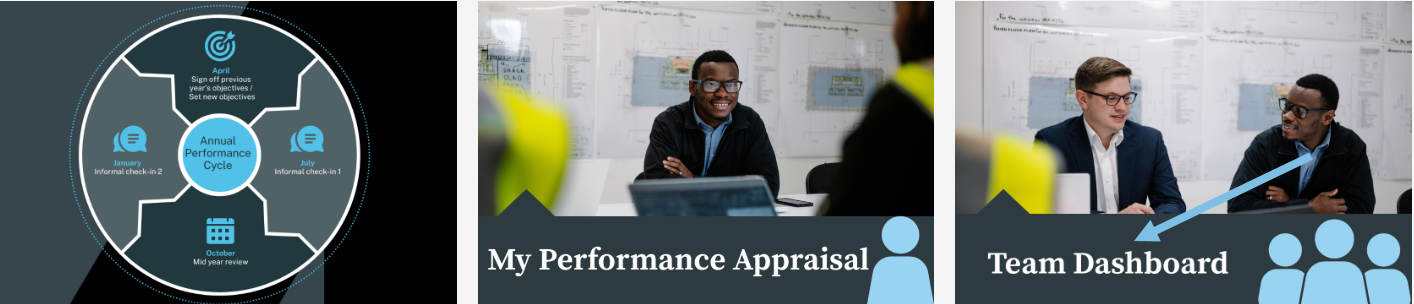
Step 3. On this page you will see My Team Objectives.

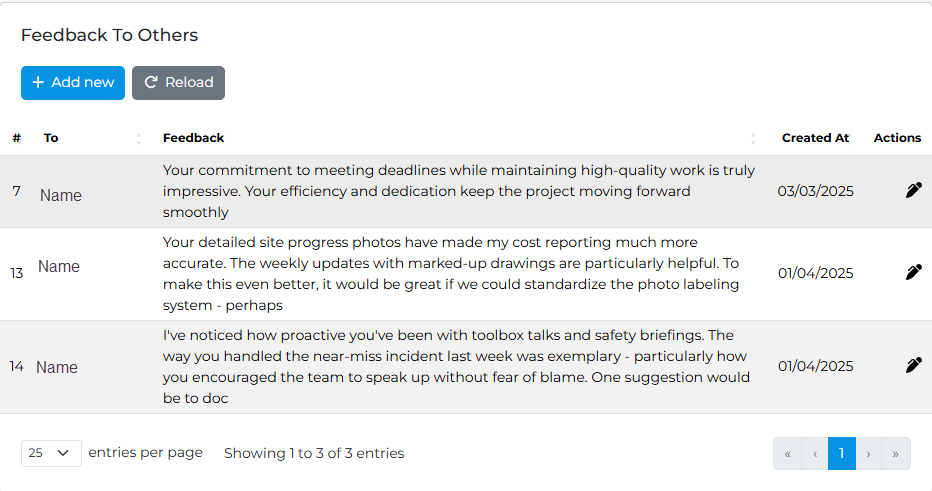
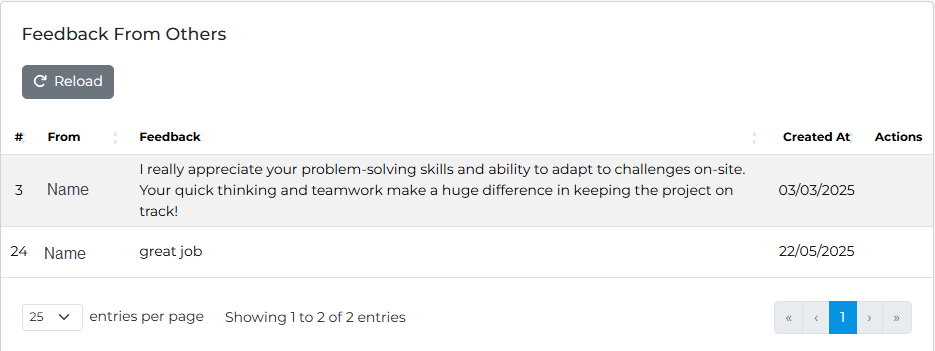
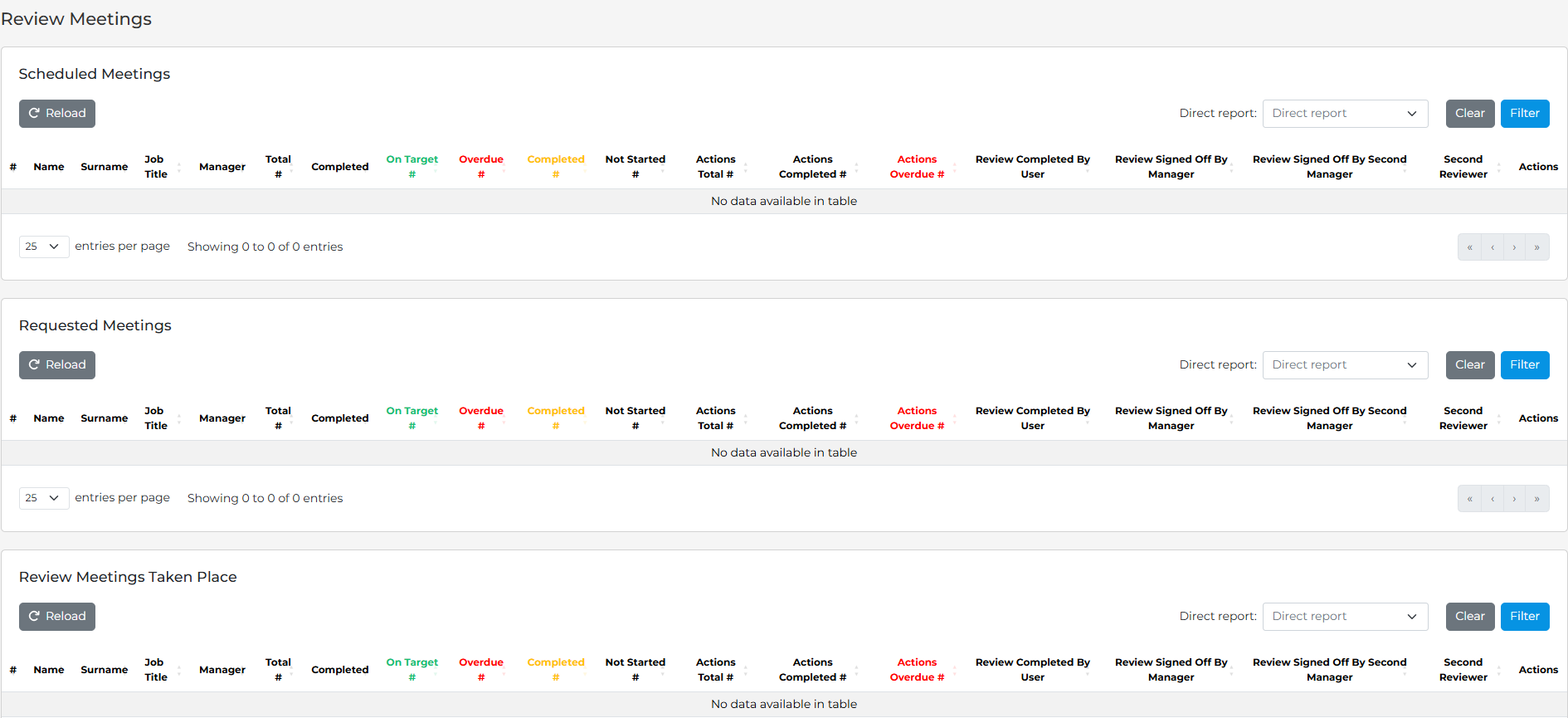
Step 4. Click on each heading to see:
Feedback to Others
Feedback From Others
Review Meetings
Modified on: Tue, 8 Sep, 2026 at 10:45 AM
Step 1. On the Home Page click the Performance tab.
Step 2. Click on the Team Dashboard tab.
Step 3. On this page you will see My Team Objectives.
Step 4. Click on each heading to see:
Feedback to Others
Feedback From Others
Review Meetings
Did you find it helpful? Yes No