create new ticket
 check ticket status
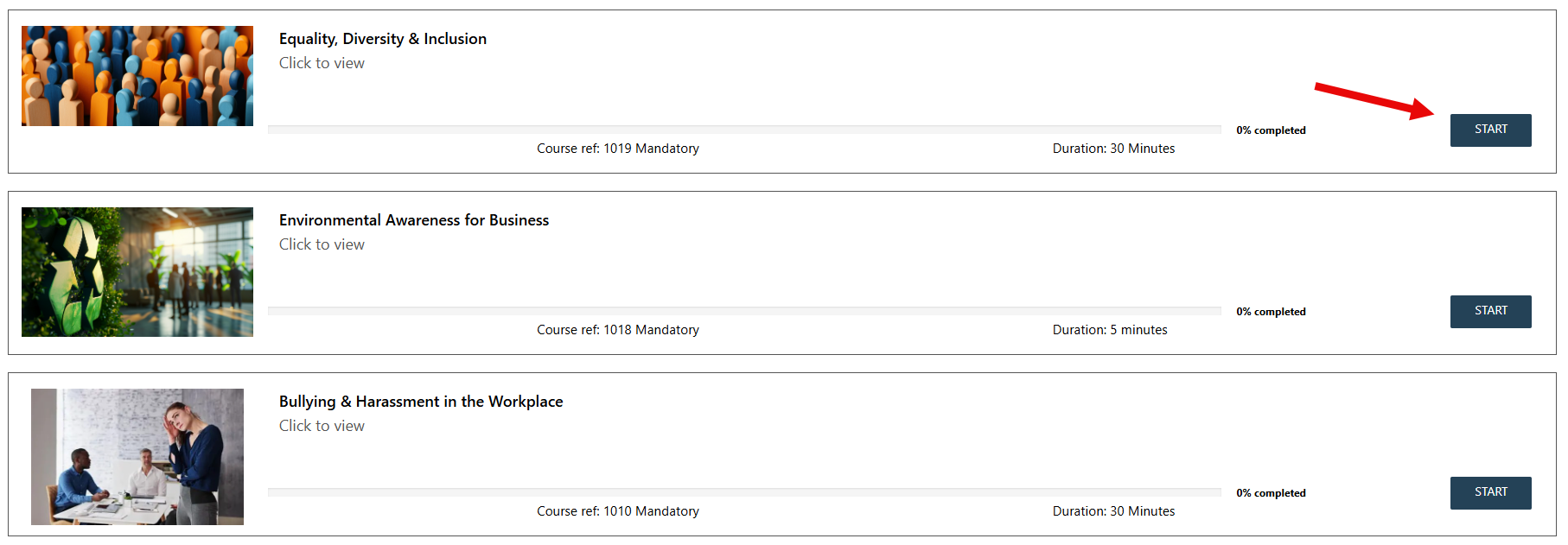
Step 1. Select the course you would like to take.
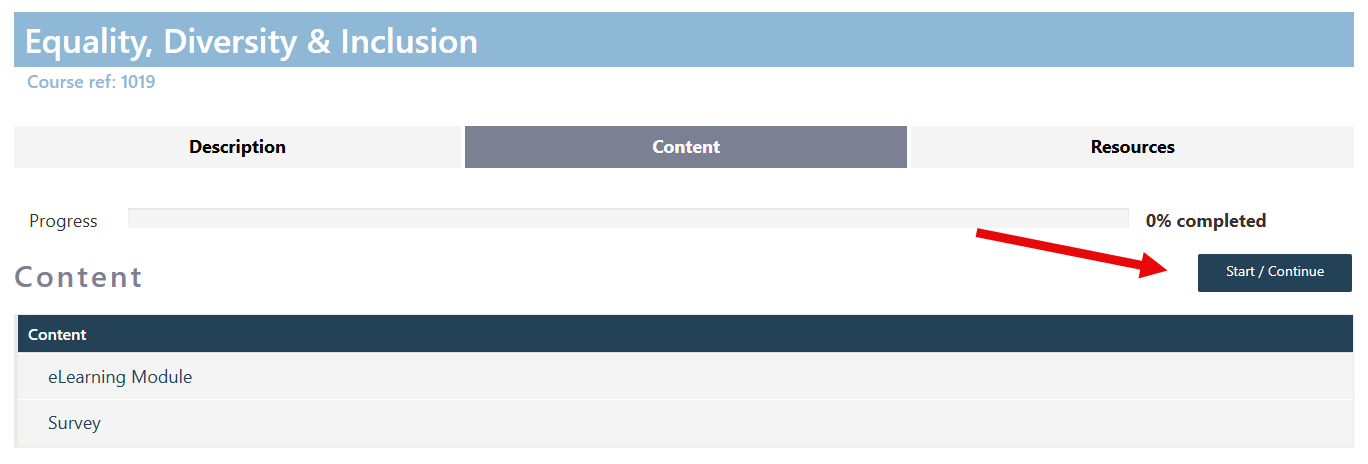
Step 2. Click on the Content tab and press Start/Continue to start or resume the course.
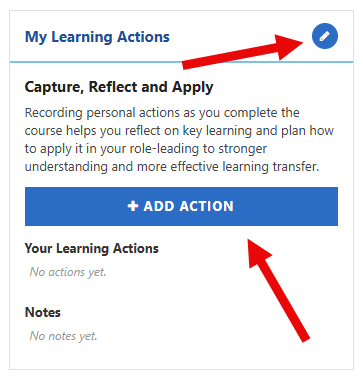
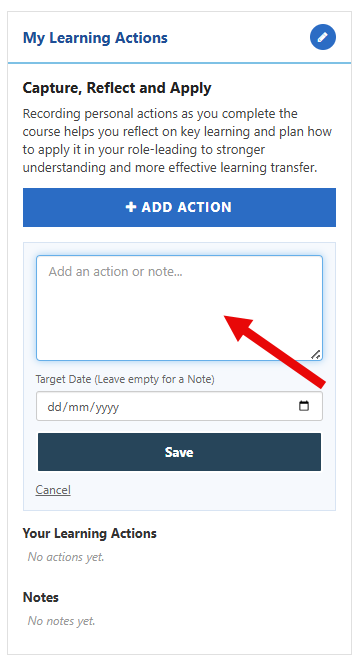
Step 3. Scroll down on the left hand side you will see the My Learning Actions tab. Click on + ADD ACTION or the edit icon to add an action.
Step 4. Type in the actions you would like to be noted. They can be anything i.e. actions for your team, reminder of something to research later. Add a target date if required and click SAVE
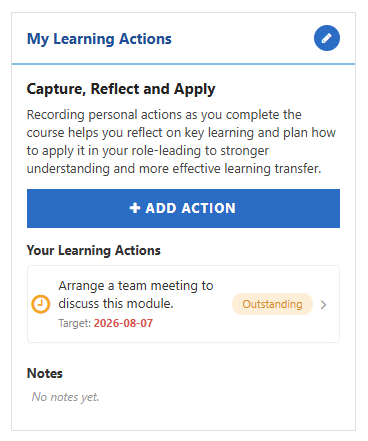
Step 5. Your Learning Actions will be shown.