create new ticket
 check ticket status
Cohorts can be used to enrol users onto Classroom courses, Learning plans, modules and also be used for the Manadatory Matrix.
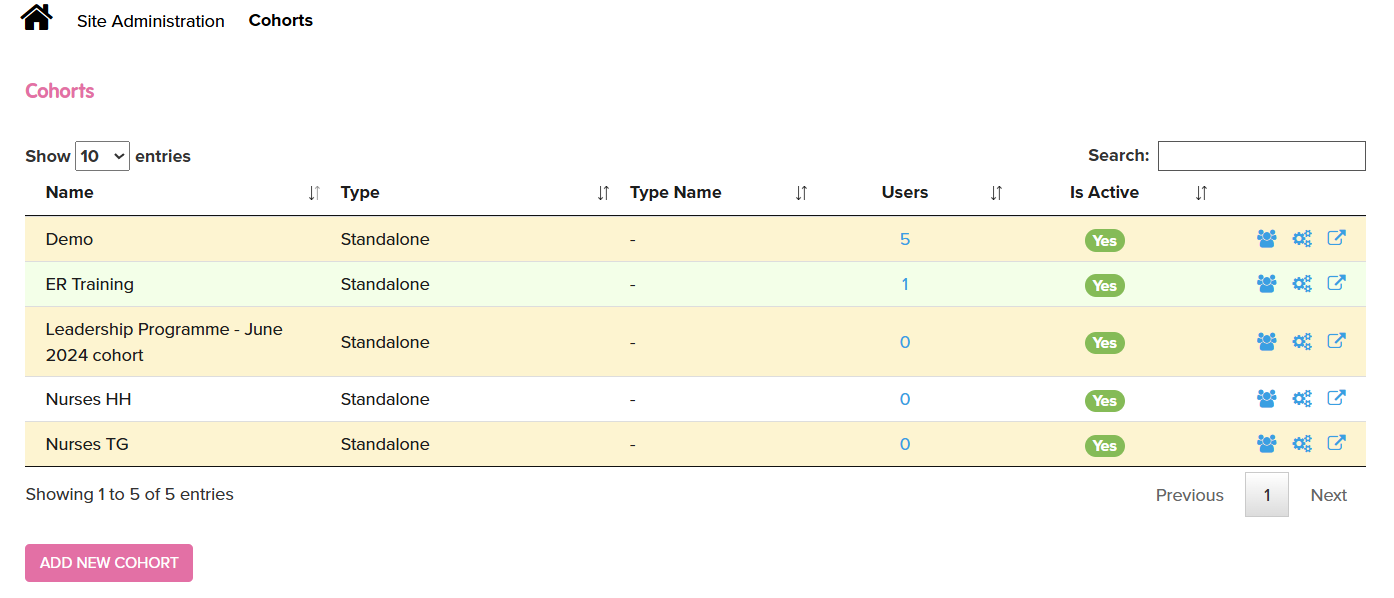
To create a Cohort go to Site Admin > Cohorts
Add a new cohort by clicking the Add New Cohort button
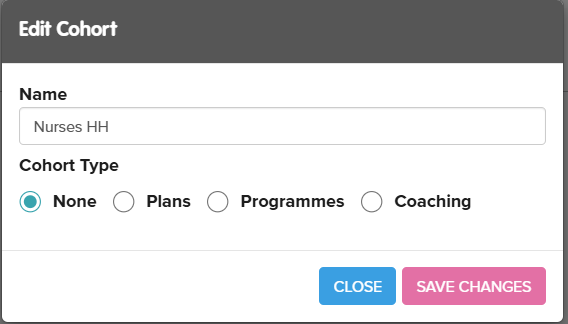
Give the cohort a memorable name
If you want us this cohort with the Mandatory Matrix then select Cohort Type of None. This will show as Standalone on the Cohorts page (as per image above)
Click on the people icon to add individual users
Click on the cogs icon to add Rules that will add users based on one or multiple rules.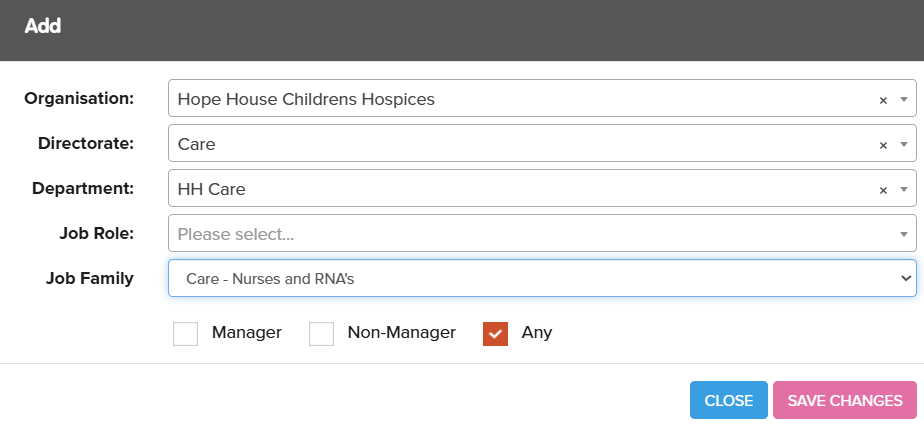
This will show as follows:
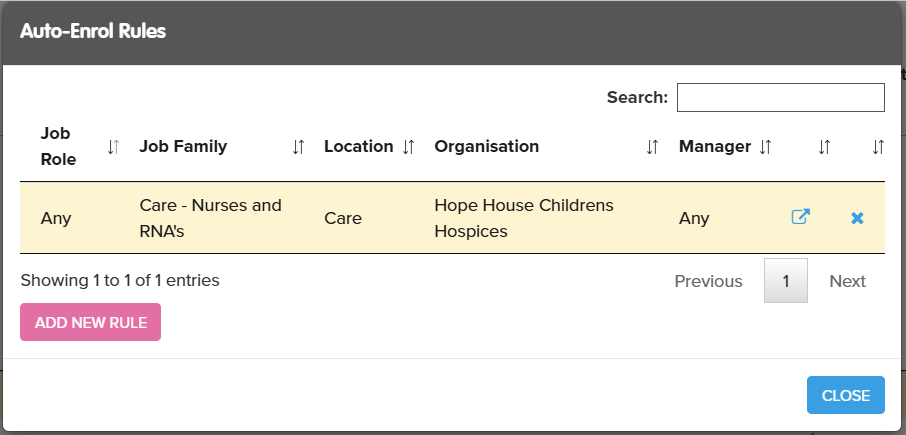
The rules do not add people immediately. There is a CRON job (a background server job) which updates rules for cohorts and enrols all users. This job runs hourly. Once it has run you will see the users will have been added as per the rule(s) you have set up.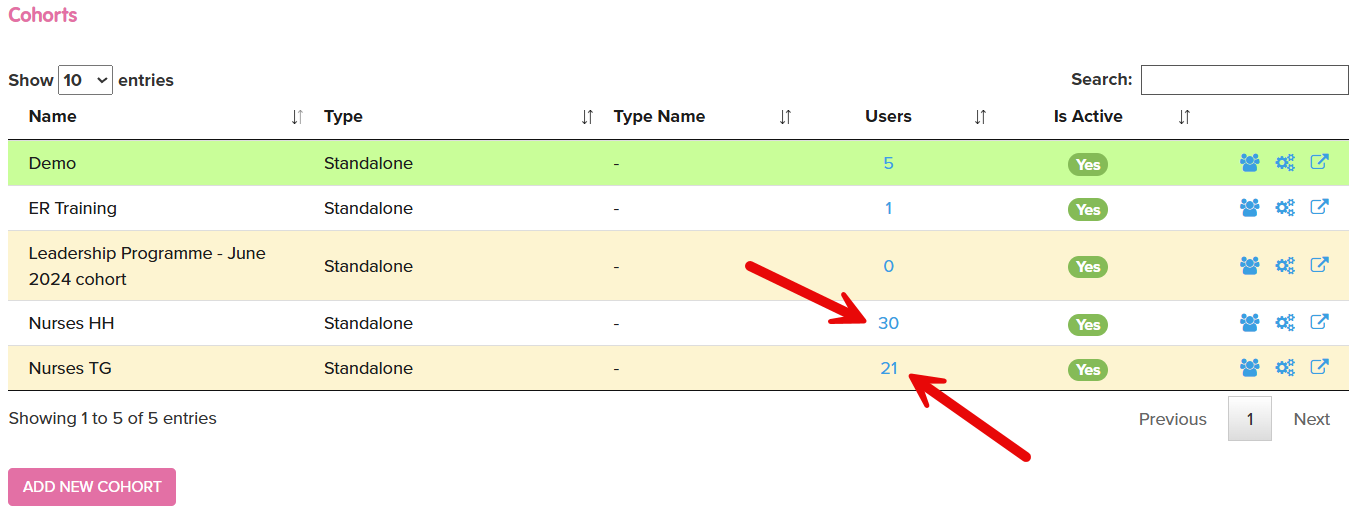
Click on the Users column number to view and add users to the Cohort.
Please a tick in the Only enrolled radio button box to view the current list of users enrolled onto this Cohort.