create new ticket
 check ticket status
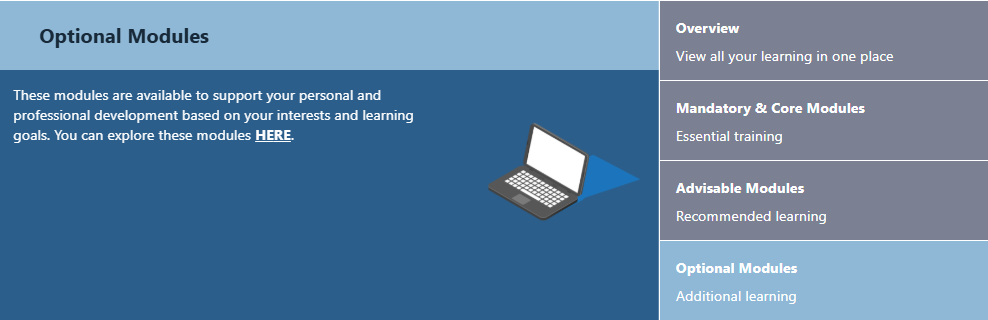
Step 1. On the home page of your Learning Hub you will see a rolling list of your Modules. Click on Optional Modules.
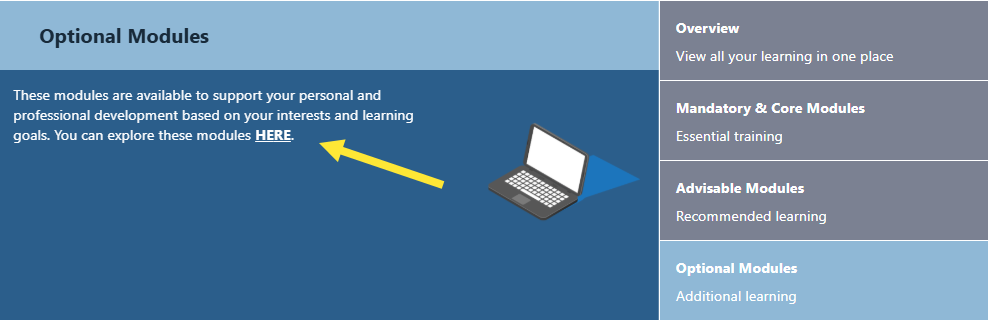
Step 2. Click on the HERE link.
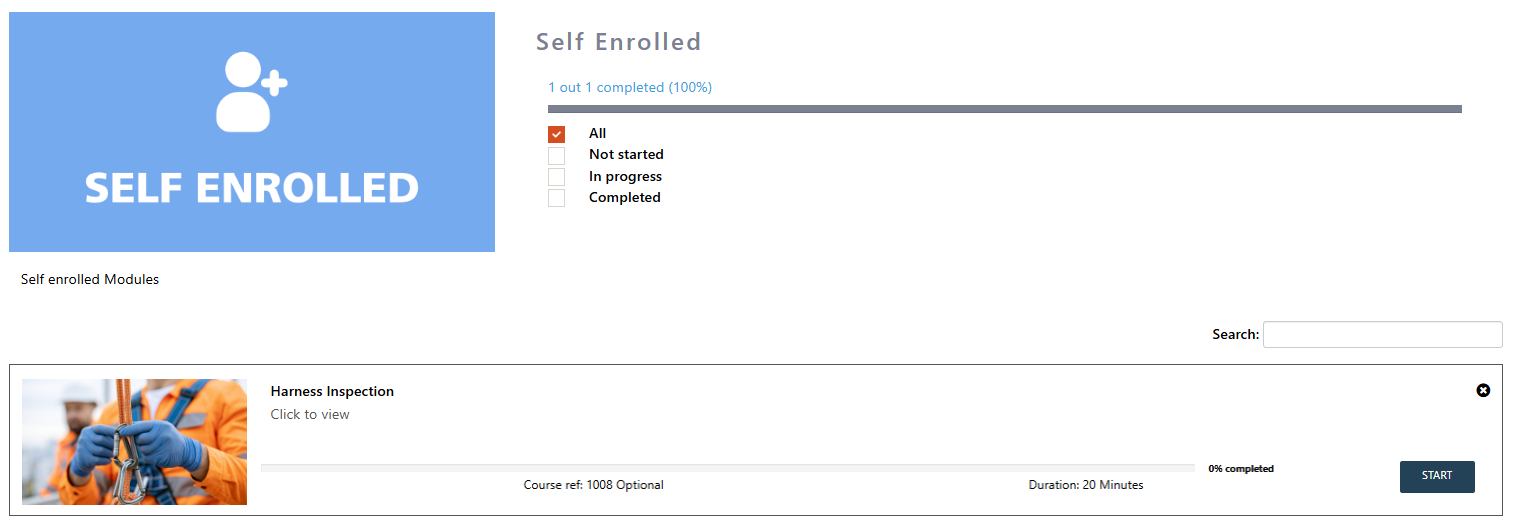
Step 3. Here you will see all of the Optional Modules you are enrolled on.
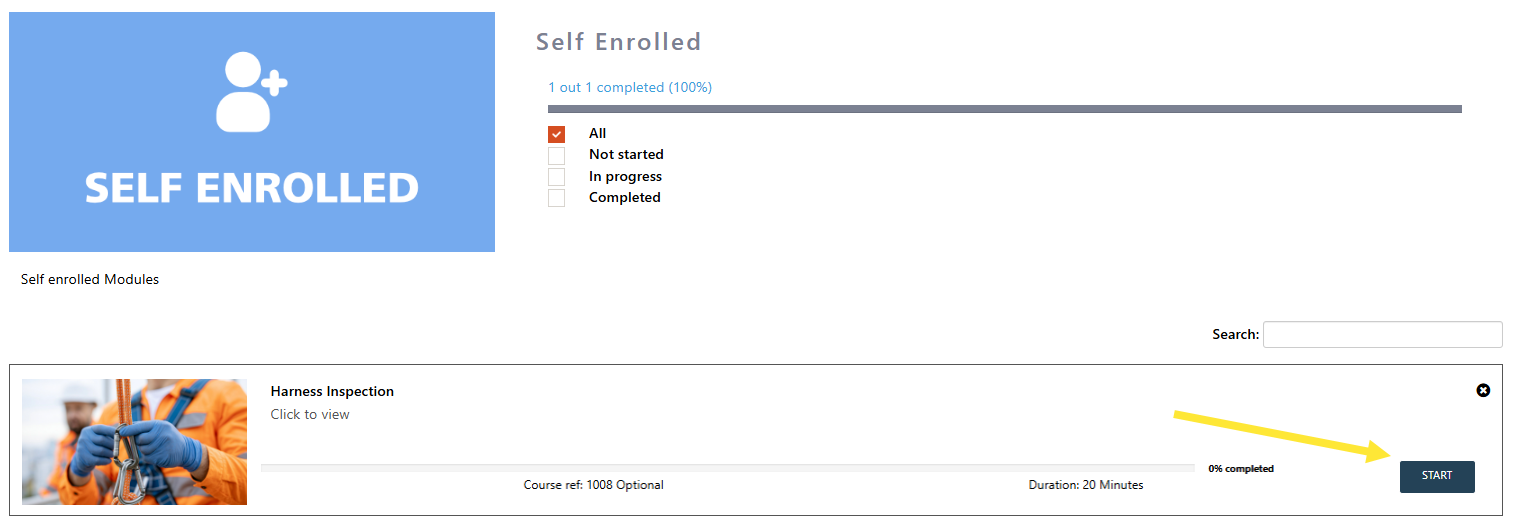
Step 4. Click the START button to start the module.