create new ticket
 check ticket status
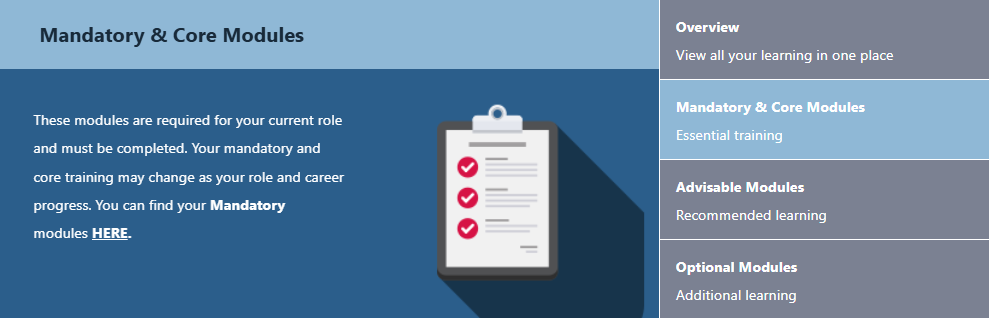
Step 1. On the home page of your Learning Hub you will see a rolling list of your Modules. Click on Mandatory & Core Modules.
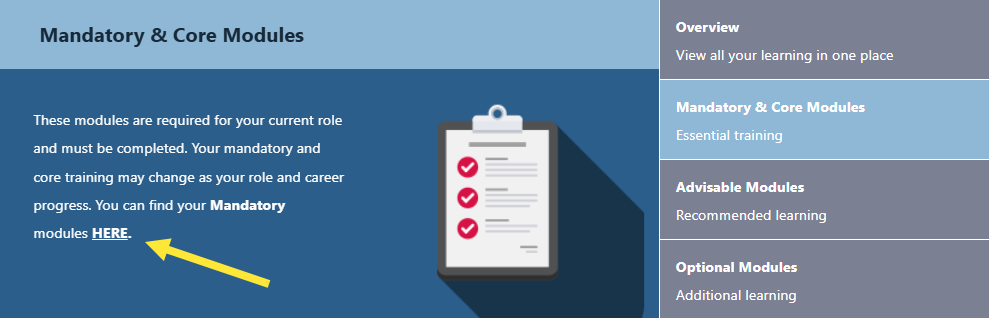
Step 2. Click on the HERE link.
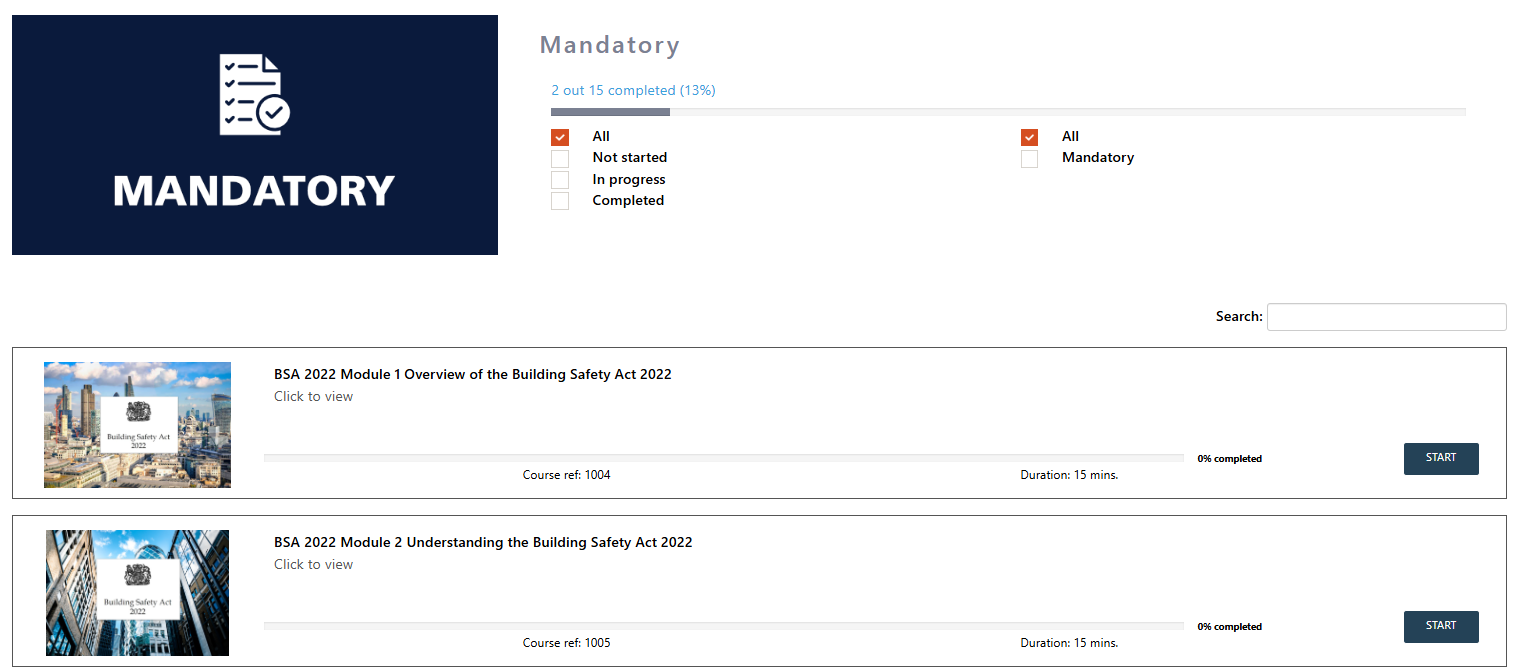
Step 3. Here you will see all of the Madatory & Core Modules you are enrolled on.
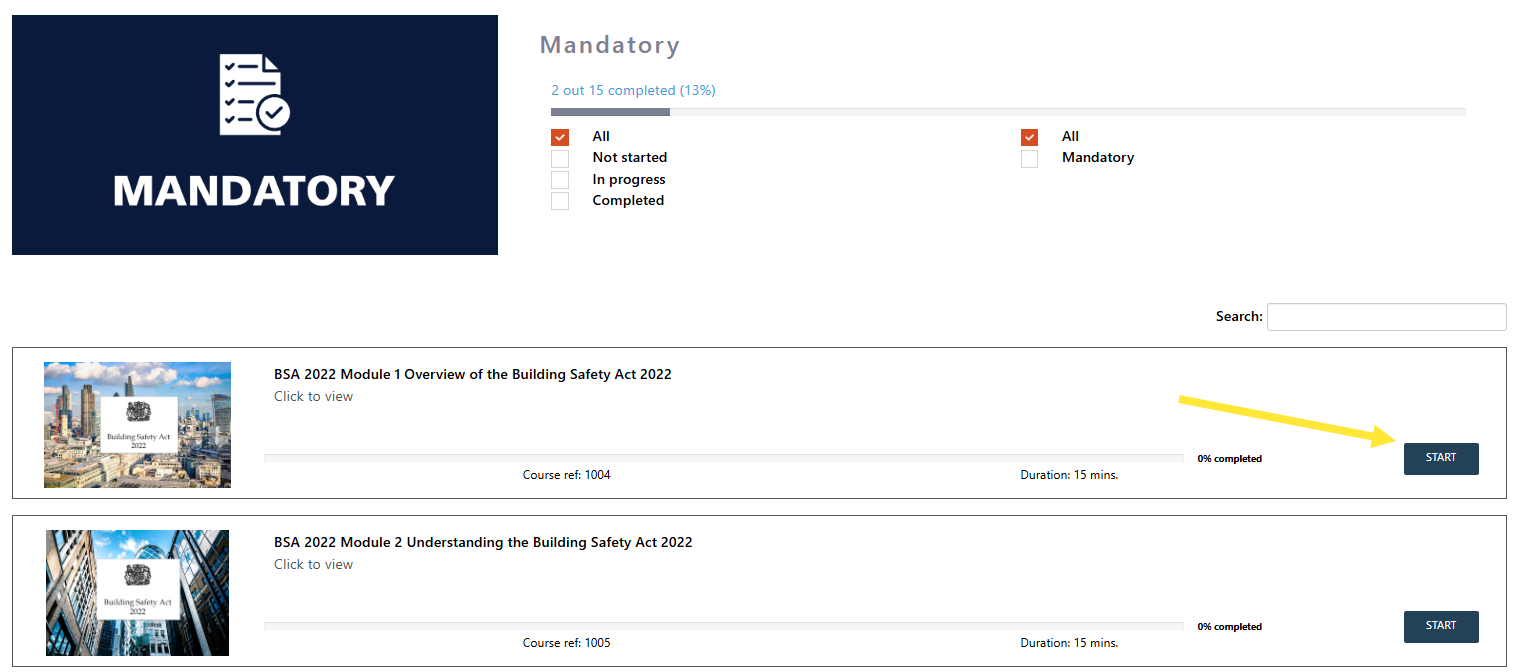
Step 4. Click the START button to start the module.