create new ticket
 check ticket status
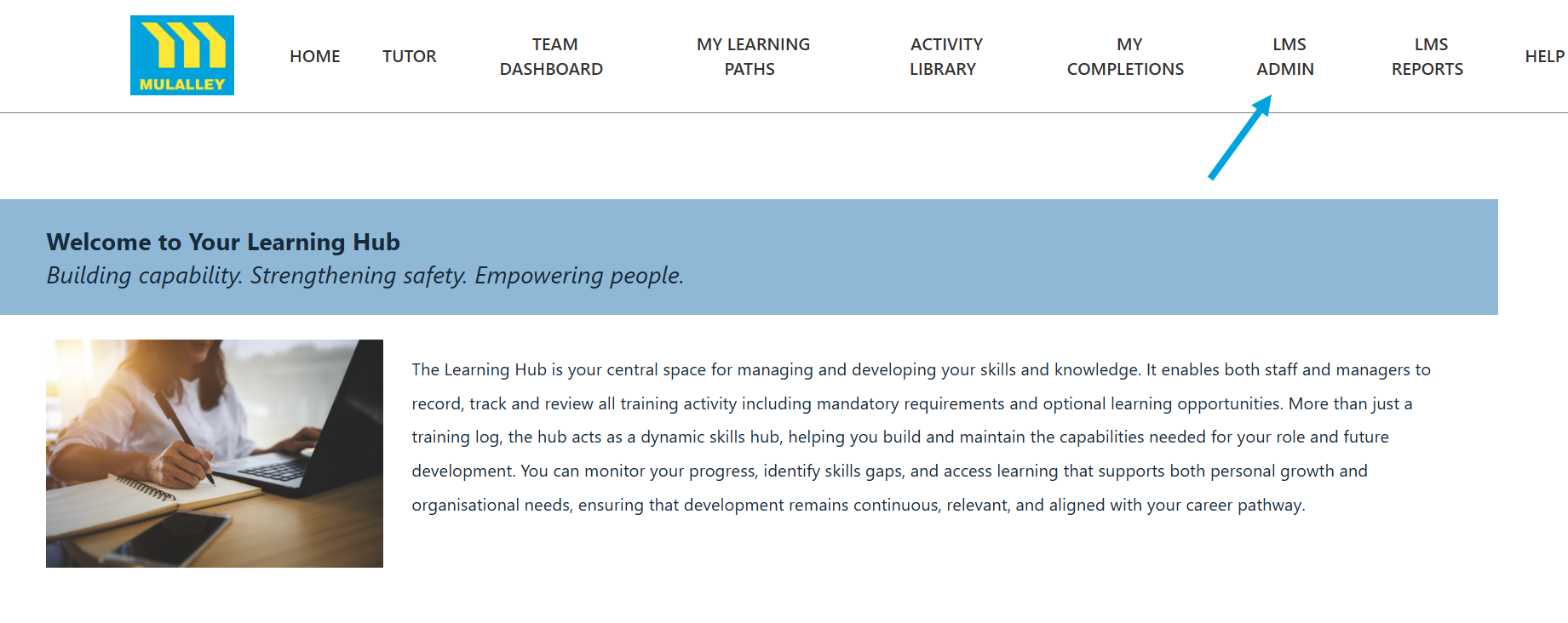
Step 1. Click on the LMS Admin tab.
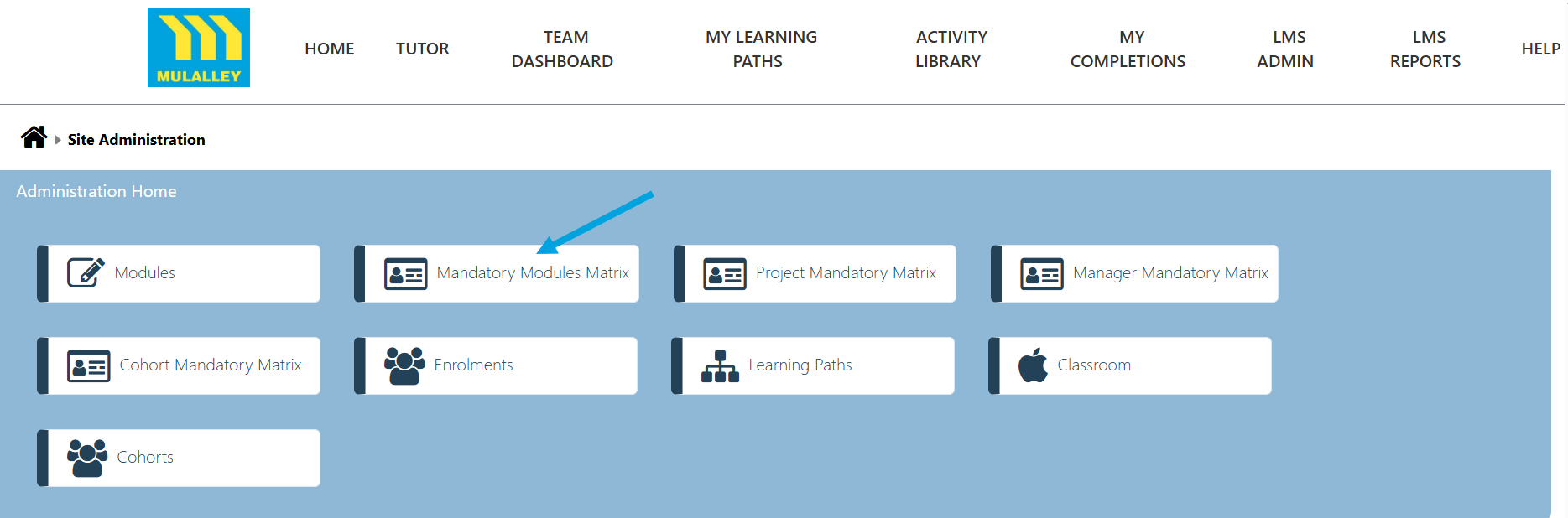
Step 2. Click on the Mandatory Modules Matrix tab.
Step 3. Click on the drop down menu and select the Job Family.

Step 4. Click the Submit button to view the Mandatory Matrix for that Job Family.

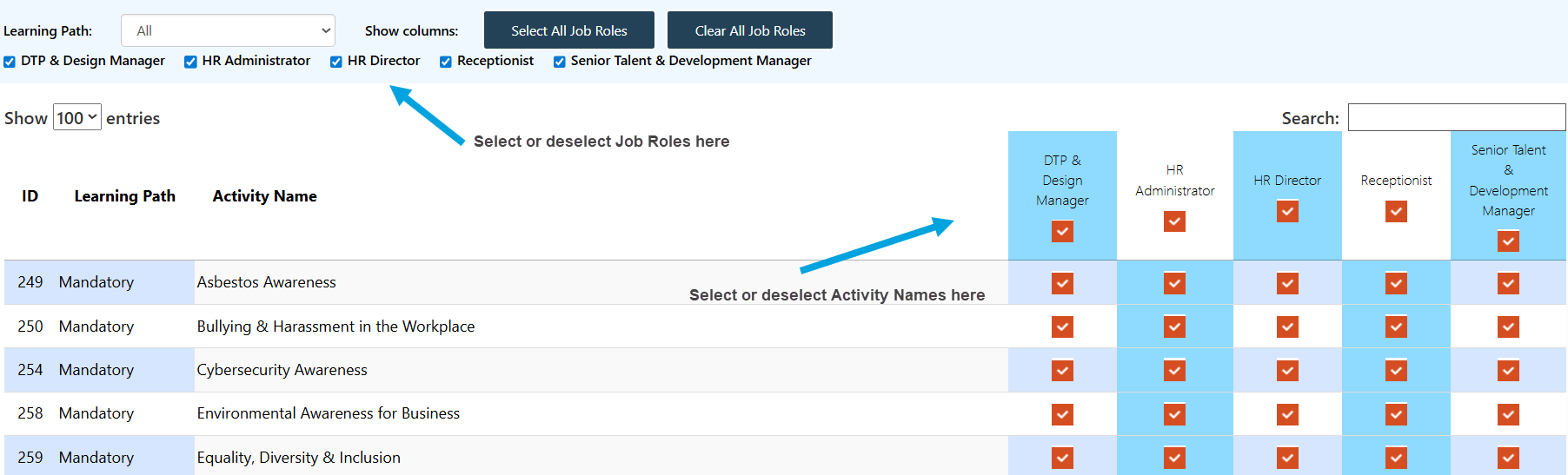
Step 5. On this page you can select/deselect the required Job Roles and tick/untick the required Activity Names.