create new ticket
 check ticket status
To give assessor privileges to a user.
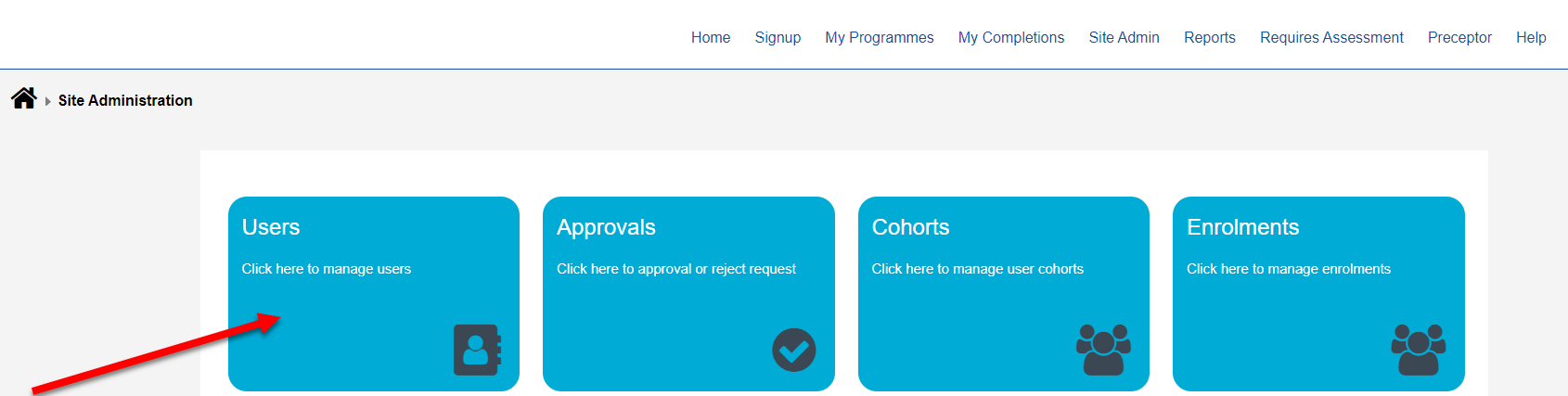
Step 1. Click on “Site Admin” in the Navigation bar at the top of the screen

Step 2. Click "Users" to edit existing users of the system
Step 3. You can see a list of Users. Click on the Edit icon to view that users details

Step 4. Click the checkbox next to Assessor and then click Save Changes.